Check what we read, then save
Nothing is saved until you check the rows, pick the team and tap Save.
Before you start: read a schedule first. Add a schedule from a picture shows how.
Who can do this: an Editor, someone who can change the schedule, or the Owner, the one person in charge. A Viewer, someone who sees the schedule and changes only their own things, can't do this. The app tells them who to ask.
Depends on your plan Reading it uses one schedule read: one picture or PDF we read for you.
There are a few steps. Tap Next at the bottom to go on.
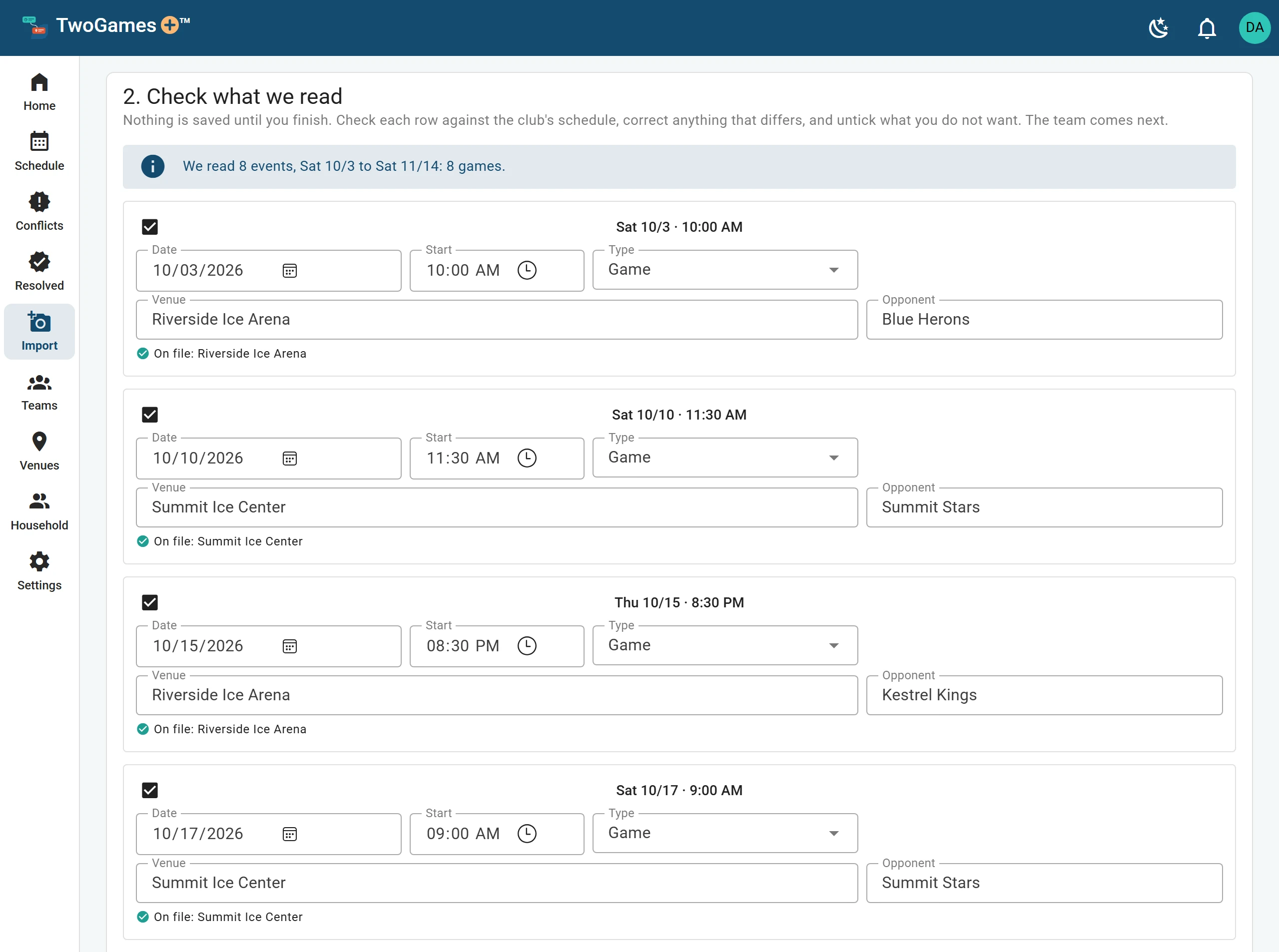
On Check what we read, compare each row with the club's schedule. Fix any date, time or place that's different.
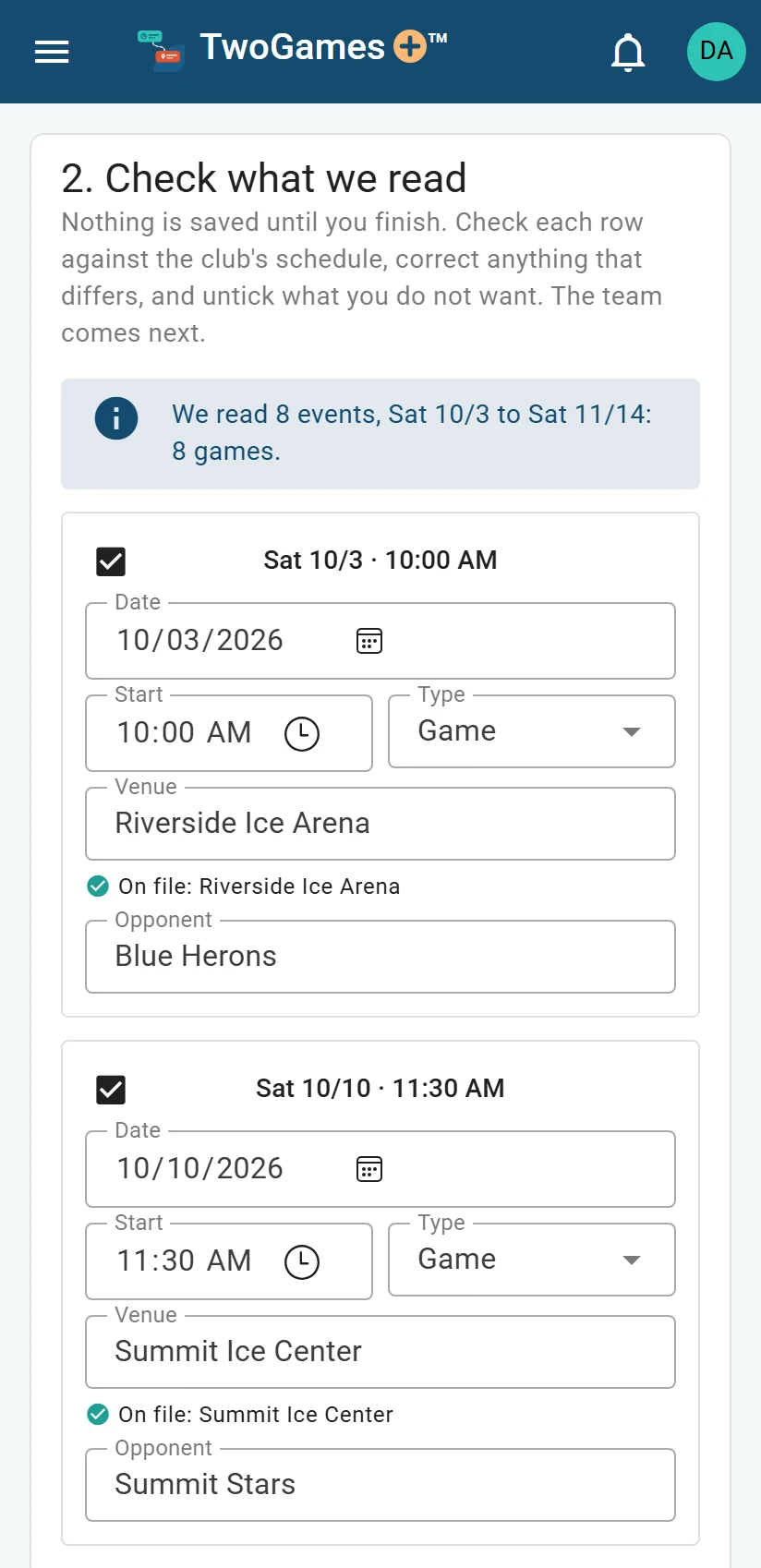
The same check on a phone. Look twice at rows marked Check this one. They were hard to read.
Untick any row you don't want.
Fix or untick any row marked in red. You can't go on until you do.
Pick the team under Team on this page, or tap New team.
Tick who plays on the team, or tap Add them to the household. With two or more of you, also tick Who goes to these events.
Read What changes, then tap Save: the button says what it will save. Nothing is saved before this.
Depends on your plan How many teams and players (anyone on one of your teams) you can have depends on your plan. If yours is full, the step says so. I can't add a player, team or person helps.
What you'll see
They are on the schedule now. Tap See the schedule to see them, or Import another for the next team.
Practices that repeat
A page may list the same practice week after week. We put those rows together as one line under Weekly. It becomes a weekly practice, which is a practice at the same time every week.
To keep them as separate rows instead, tap Keep as … single events. Games always stay as separate rows.
Places
Under each row we say which venue it is: a rink, field, court or gym.
- On file means a place you already have.
- Remembered means the place you picked for these words last time.
- Known rink means one from our list of Massachusetts rinks.
- New venue means we add it to your Venues page, and find it on the map later.
If we picked the wrong place, tap Not it, or type the right one. We remember your choice for your next schedule.
Games already played
Past games show Already played. Days that have passed can't be changed.
Tip: Tap Back to go back a step. What you've done so far stays.
What to do next
- See which days don't workFind every coming day with a Conflict, and the ones that are Tight, in one place.
- Add a newer version of a scheduleWhen the club changes its schedule, import it again and see what will change first.
- A schedule didn't read wellWhat to do when a picture can't be read, is refused, or the rows come out wrong.
Still stuck?
Write to support@twogamesplus.com and a person will answer.