Choose when a day is Tight, and more
Set how much spare time you want, whether to count the drive home, and miles or kilometers.
To start with, a day is Tight when it has less than 45 minutes to spare. You can change that number. The same page sets the drive home, and miles or kilometers.
Who can do this: an Editor, someone who can change the schedule, or the Owner, the one person in charge. A Viewer, someone who sees the schedule and changes only their own things, sees the same numbers, with nothing to change.
Open the menu (☰), then tap Settings. On a tablet or computer, Settings is on the left.
Under Conflict sensitivity, move the slider for Warn me when spare time is under.
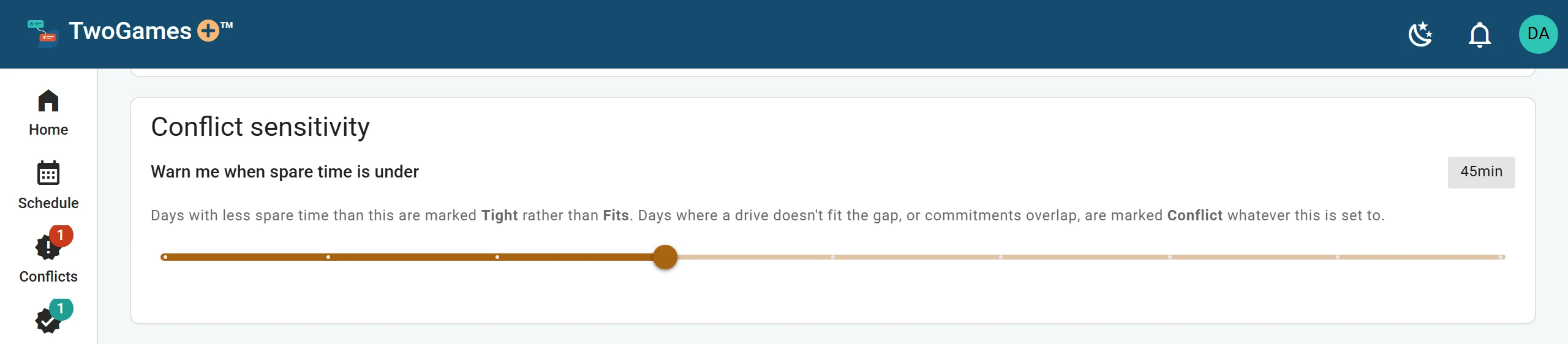
When spare time counts as Tight: 45 minutes, unless you change it. Under Itinerary, turn Include the drive home at the end of each day on or off. It changes your driving totals, not the checks.
Under Distances, tap Miles and feet or Kilometers and meters. Drive times stay the same.
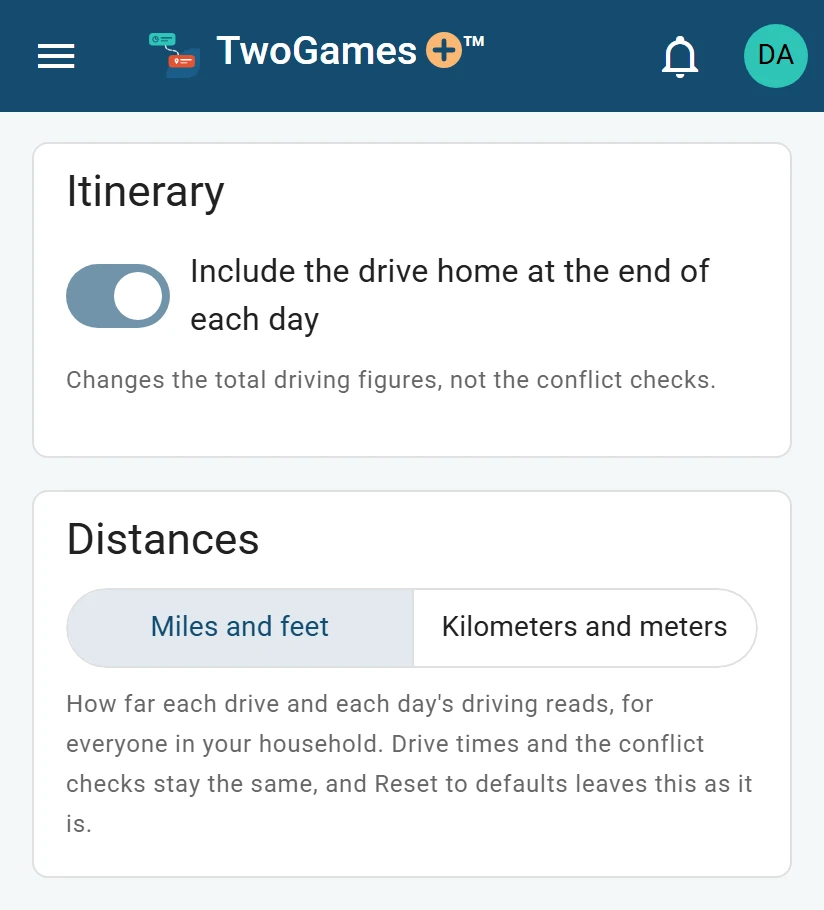
The drive home, and miles or kilometers. To start over, tap Reset to defaults. It puts back every number and the drive-home switch, but keeps miles or kilometers.
What you'll see
The line above Reset to defaults changes as you go. It says how many days ahead can't be driven as planned, and how many are tight.
These settings are for your whole household, everyone who shares your schedule. Changes save as you make them.
Tip: The slider never hides a day where the drive doesn’t fit. It only decides which days get called Tight.
What to do next
Still stuck?
Write to support@twogamesplus.com and a person will answer.