Change game length and how early to arrive
Set how early each sport needs you there, and how long games, practices and packing up take.
On this page
Each game or practice has three numbers: how long it lasts, Before a game and After. Before a game is how early you need to be there. After is time to pack up and get to the car.
Who can do this: an Editor, someone who can change the schedule, or the Owner, the one person in charge. A Viewer, someone who sees the schedule and changes only their own things, sees each number, with no Change beside it.
Tap Schedule at the bottom, then tap the day. On a tablet or computer, it's on the left.
Tap the name of the game or practice. Its details open below it.
Under How this is timed, tap Change next to the number.
Tap − or + to set the minutes. On a computer, you can also type the number.
Under Apply to, pick how far it goes: only this one, or its league (the league or club it plays in). For how early and how long after, you can also pick every team of that sport.
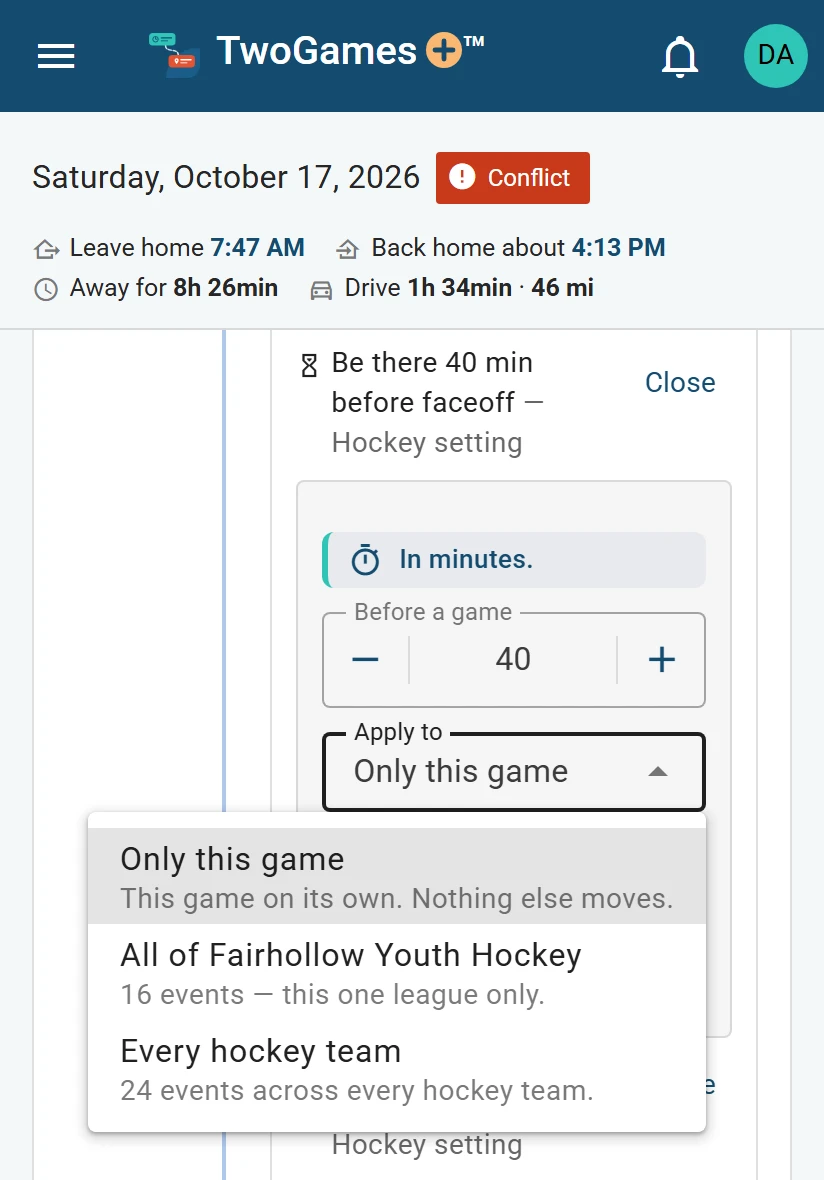
Choose how far a change goes. Tap Save.
What you'll see
We check your whole season again at once. The card then says where each number comes from, such as set on this one. A day gone by can't be changed.
How long games last
A game's length belongs to its league, though one game can differ.
Each league has a clock: how many periods, how long each is, and what the whistle adds. We add it up for you.
Open the menu (☰), tap Teams, then Game length under the league.
Tap − or + on each part, then tap Done.
A league's clock is every team's in it. Without one, each team's age group decides. Leagues we know get theirs when you add them.
Other places to change them
For a whole sport, open Settings from the menu. Under Time a player needs, each sport has how early and how long after. Use defaults puts them back.
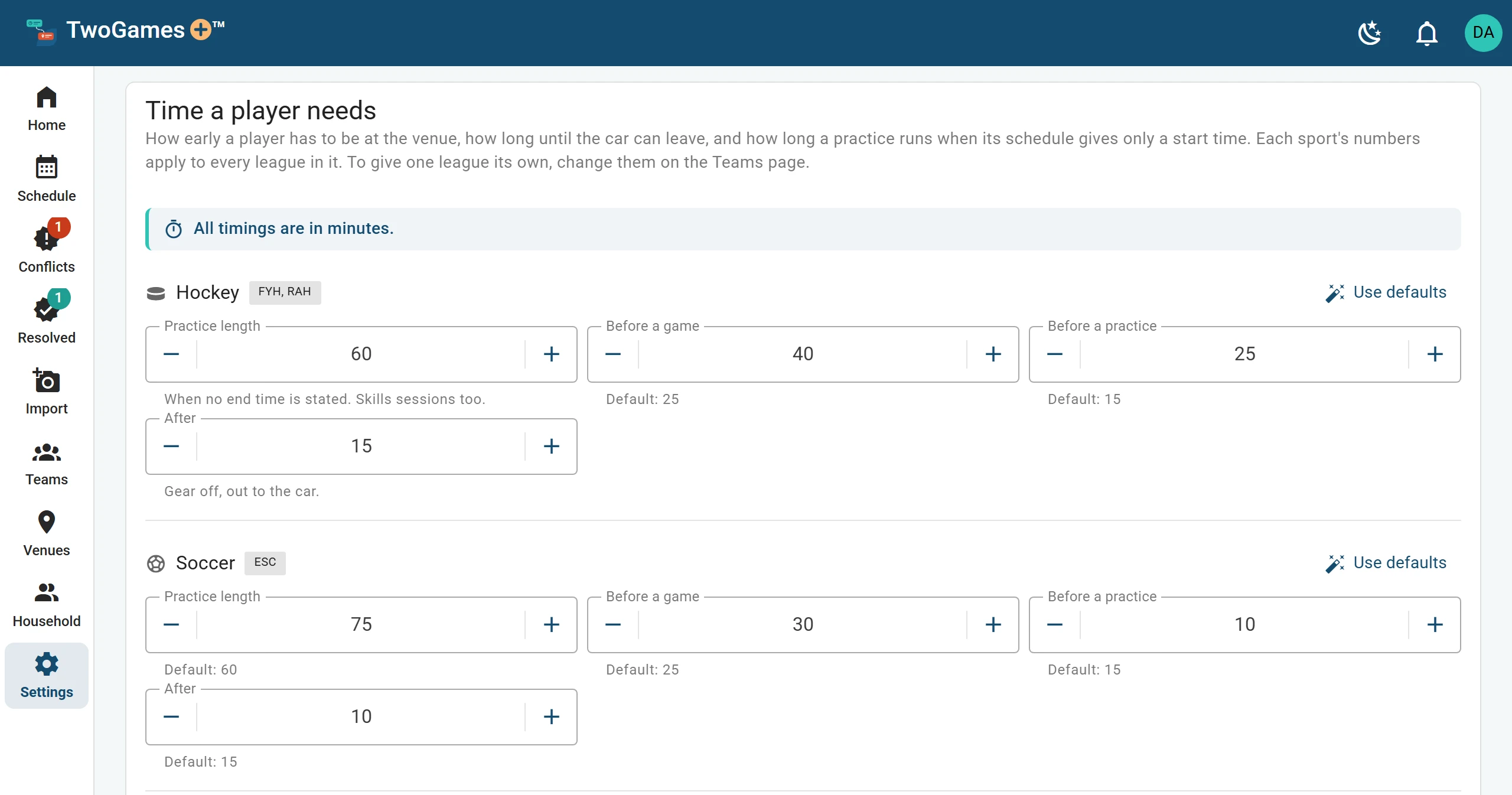
For one league, open Teams. Leave a box under Timing for this league empty to use the usual number. Clear this league’s timing empties them all.
A number won't change?
The most exact number wins: the game itself, then its league. For a game's length, the team's level (its age group or division) comes next. For the rest, the sport does.
If the schedule gives the end time, nothing else changes it: change the game, or its weekly series.
The numbers you start with
Settings starts each sport at these numbers, in minutes.
| Sport | Practice length | Before a game | Before a practice | After |
|---|---|---|---|---|
| Hockey | 60 | 25 | 15 | 15 |
| Soccer | 60 | 25 | 15 | 15 |
| Baseball | 60 | 25 | 15 | 15 |
| Basketball | 60 | 25 | 15 | 15 |
| Football | 60 | 25 | 15 | 15 |
| Flag football | 60 | 25 | 15 | 15 |
| Lacrosse | 60 | 25 | 15 | 15 |
| Other | 60 | 25 | 15 | 15 |
What to do next
- Choose when a day is Tight, and moreSet how much spare time you want, whether to count the drive home, and miles or kilometers.
- What Fits, Tight and Conflict meanEvery day gets one word that says whether one driver can make it all on time.
- Add a teamAdd each team with its league, sport and level, and who in your household plays on it.
Still stuck?
Write to support@twogamesplus.com and a person will answer.