Join a household you were invited to
Open the link in your invitation, sign in, and tap Join household.
Someone invited you to share their schedule. You'll join their household: everyone who shares your schedule. You'll all see the same games, practices and choices.
Before you start: are you the Owner, the one person in charge, of a household others share? Give it to one of them first. Give the household a new Owner shows how.
Open the invitation email on the phone you'll use, and tap the link in it.
If you're signed out, the page says You're invited to share a schedule.
Sign in if you're asked, with your email and the code we send you. If you're new, that code makes your account too.
Check whose household it is, and what you can do there. Joining leaves the household you're in now, so tap Join household only if you're sure.
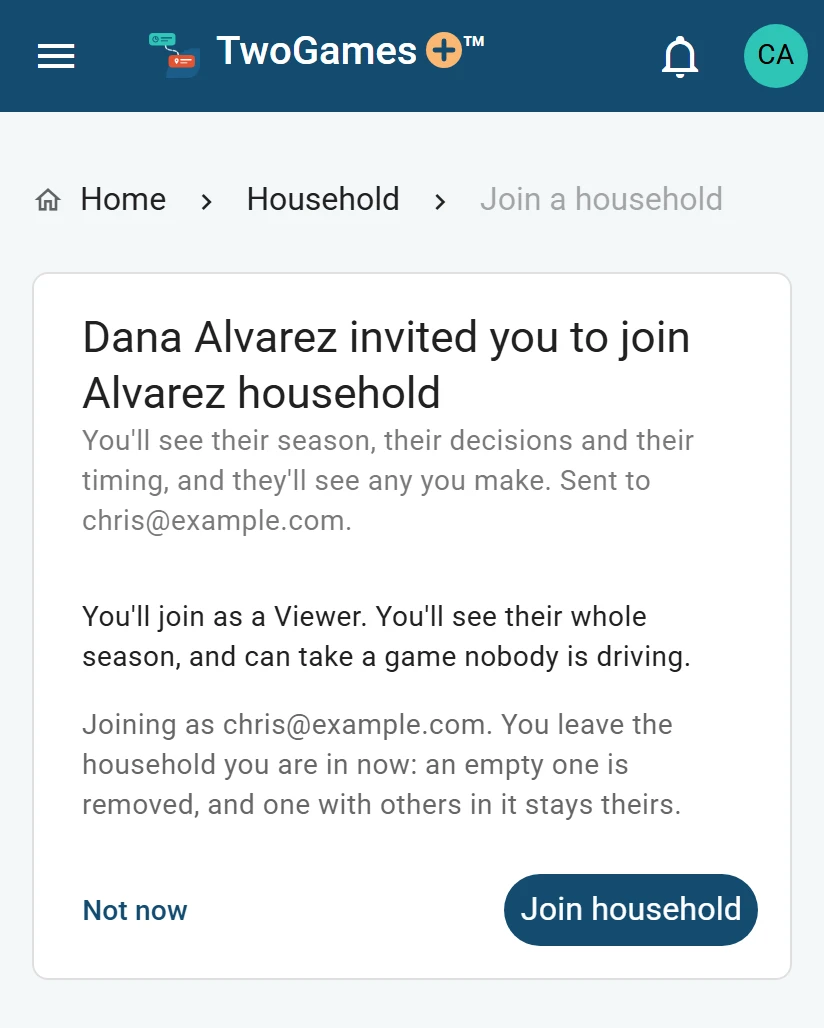
They sign in with the link and join. Then Home asks Where do you drive from? Answer it, so you can be handed drives.
What you'll see
You're in. Their season is on every page now. Tap Show me around for a short tour.
If the household you left was empty, it's removed. If others are in it, it stays theirs.
If you can't join
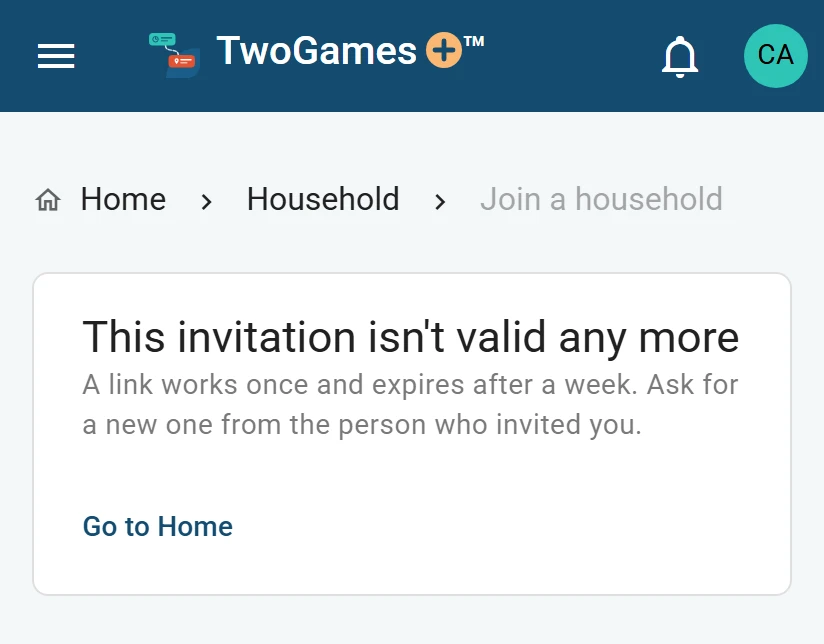
The link isn't valid any more
You see This invitation isn't valid any more. A link works once, and stops working after 7 days. Ask the person who invited you, or the household's Owner, for a new one.
You're the Owner of the household you're in now
Others share the household you're in now, and you're its Owner. Give it to one of them on Household first. Then open the link again, within 7 days of when it was sent.
You have a schedule of your own already
Are you the only one in your own household, and does it have people, teams or games? Then you can't join yet. Joining would leave them where nobody could see them.
First, take its people and teams out on Household and Teams. Or delete it: that removes its games and people for good.
Then open the invitation link again. Delete your household, or everything shows how to delete.
You're signed in as someone else
The page says the link was sent to another email. If both emails are yours, you can still join. If not, tap sign out, then open the link again as the right person.
The household is full
Depends on your plan Each plan has room for a set number of people who sign in. Ask the household's Owner to make room, or to move to a plan with more.
What to do next
- Owner, Editor and Viewer: who can do whatThe Owner runs the household, Editors change the schedule, and Viewers see it and take a game nobody drives.
- Set where you drive fromYour drives start and end where you drive from: your household's home, or an address of your own.
- The sign-in code didn't come or won't workWhat to try when the code email is missing, or the code or link won't sign you in.
Still stuck?
Write to support@twogamesplus.com and a person will answer.